Stars Wallpapers HD1.6
Publisher Description


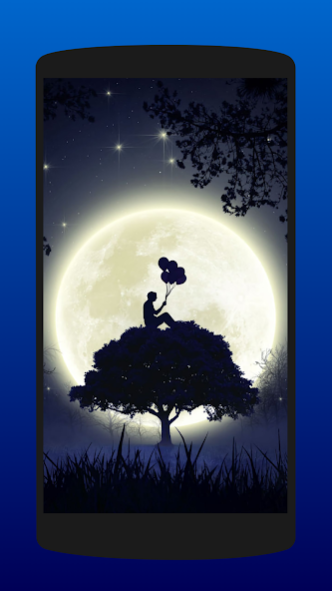

This app provides you a collection of cool black wallpapers of starry skies that will give your device a unique and elegant appearance.
You can find from:
- Moon and stars wallpapers
- Starry night wallpapers
- Northern Lights wallpapers
- Night sky wallpapers
- Dark forest wallpapers
and many more!
Our wallpapers have different shades of colors so that you can choose the one you like or the one that best suits the color of your device.
It's not necessary to be connected to Internet to use the app (only in case of sharing the wallpaper).
How to set the wallpaper 🌇
Choose your desired stars wallpaper and press the floating button to download it 📥 in your device (It will be necessary the storage permission in order to download it).
Next, open your device's gallery or 'Pictures' folder 🌇 and set the stars background as your home screen, lock screen, or both (depending on your device manufacturer).
✉️ You can also share the stars wallpaper with your contacts through messaging applications.
Don't wait any longer and update your phone screen with one of our 100% free HD star wallpaper and remember, If you like the app, it would be very grateful to rate it and give us your opinion 👍!
About Stars Wallpapers HD
The company that develops Stars Wallpapers HD is JMH Apps. The latest version released by its developer is 1.6.
To install Stars Wallpapers HD on your Android device, just click the green Continue To App button above to start the installation process. The app is listed on our website since 2022-04-19 and was downloaded 6 times. We have already checked if the download link is safe, however for your own protection we recommend that you scan the downloaded app with your antivirus. Your antivirus may detect the Stars Wallpapers HD as malware as malware if the download link to com.starswallpapers.nightskywallpapers.app is broken.
How to install Stars Wallpapers HD on your Android device:
- Click on the Continue To App button on our website. This will redirect you to Google Play.
- Once the Stars Wallpapers HD is shown in the Google Play listing of your Android device, you can start its download and installation. Tap on the Install button located below the search bar and to the right of the app icon.
- A pop-up window with the permissions required by Stars Wallpapers HD will be shown. Click on Accept to continue the process.
- Stars Wallpapers HD will be downloaded onto your device, displaying a progress. Once the download completes, the installation will start and you'll get a notification after the installation is finished.
Program Details
System requirements
Download information
Pricing
Version History
version 1.6
posted on 2022-04-19
. Added new backgrounds
. Please download the desired background and set it as a new background from the gallery of your device.
version 1.5
posted on 2021-04-14
. Minor fixes
. New backgrounds
